How to Get Internet While Traveling Abroad in 2026: 5 Options Compared
You've landed in a new country — now how do you actually get online? Maps, ride-hailing, translation, boarding passes, sharing photos: almost everything you do as a traveler needs the internet. In 2026 you have five real ways to stay connected abroad, and they are not equal in price, speed, or hassle. This guide compares all five so you can pick the cheapest, easiest option for your trip.
Why You Can't Rely on Public Wi-Fi Alone
It's tempting to plan on "just using free Wi-Fi," but it falls apart fast. Public hotspots disappear the second you leave the cafe or hotel lobby — exactly when you need maps to find your way or a taxi to the airport. They're also often slow, crowded, and a genuine security risk for logging into banking or email. Wi-Fi is a useful bonus, not a connectivity plan. You need something that works everywhere you go, including on the street and in transit.
The 5 Ways to Get Internet Abroad (Compared)
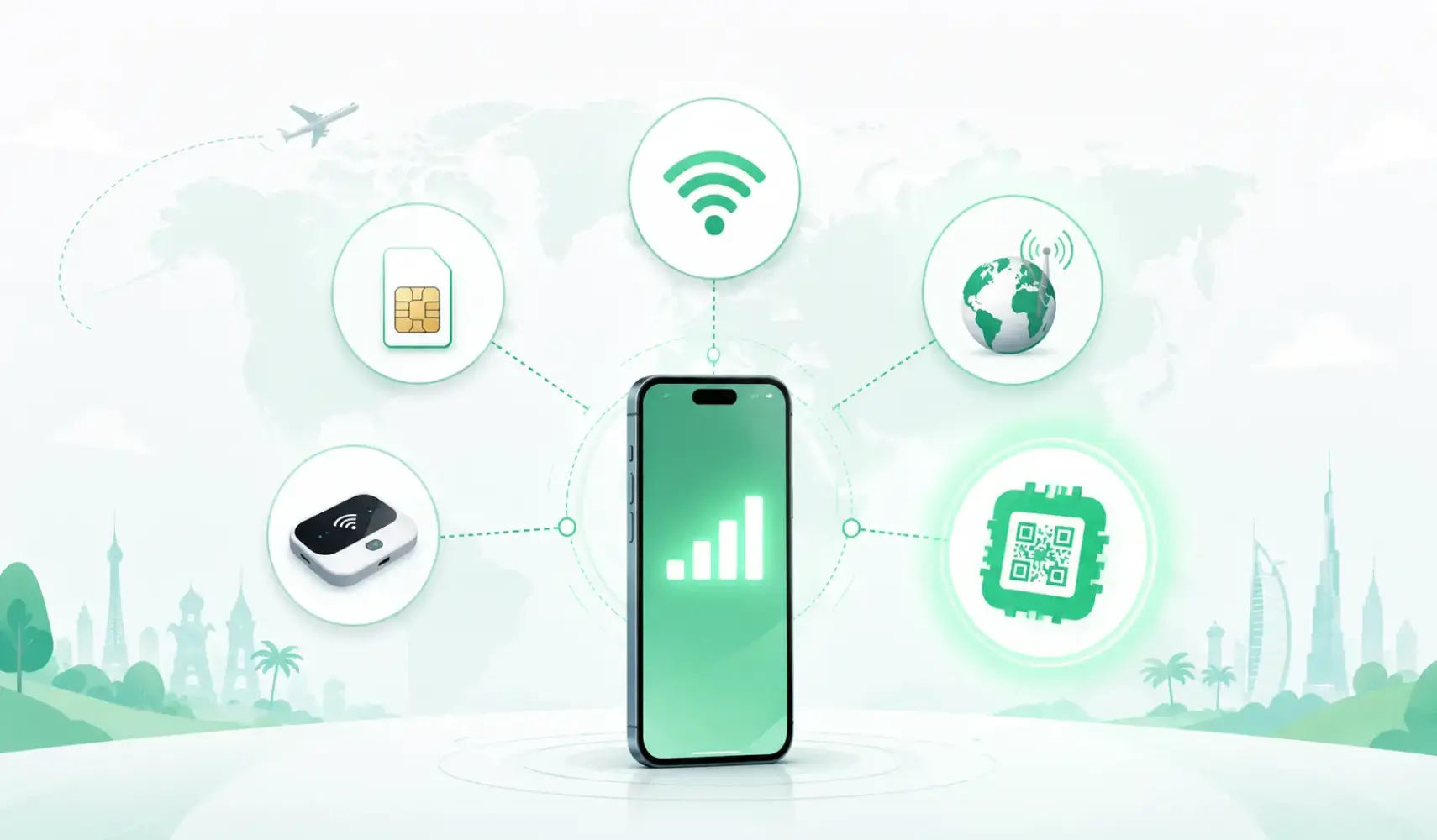
Here's how the options stack up at a glance:
| Option | How it works | Typical cost | Setup | Best for |
|---|---|---|---|---|
| Roaming | Your home carrier extends service abroad | High ($10–15+/day) | Instant | Very short trips / emergencies |
| Local SIM | Buy a physical SIM after you arrive | Medium | Slow (store + ID) | Long stays in one country |
| Pocket Wi-Fi | Rent a portable hotspot device | Medium ($5–10/day + deposit) | Pickup & return | Groups sharing one device |
| Public Wi-Fi | Free hotspots in cafes, hotels, airports | Free | Instant but patchy | Light, occasional use |
| Travel eSIM ✅ | Download a digital plan & scan a QR code | Low (from a few $) | Instant | Almost every traveler |
1. International roaming
The most convenient but by far the most expensive. Your phone connects automatically, but daily fees of $10–15 (or more) add up fast — a two-week trip can cost over $150 in data alone. Fine for a single overnight layover, painful for a real holiday.
2. Local SIM card
Cheaper data, but you have to find a store, show your passport, sometimes register the SIM, and physically swap out your home SIM (and risk losing it). It also gives you a foreign number, which breaks any service tied to your real number. Worth it only for long stays in one country.
3. Pocket Wi-Fi (MiFi device)
A rented hotspot that several people can share — handy for families or groups. The downsides: it's another gadget to carry and charge, you have to pick it up and return it (often with a deposit), and if you wander off without it, you're offline.
4. Public Wi-Fi
Free and everywhere — but slow, inconsistent, and risky on unsecured networks. Great as a top-up for heavy downloads back at the hotel, useless the moment you step outside. Treat it as a bonus, never your main connection.
5. Travel eSIM — the 2026 winner
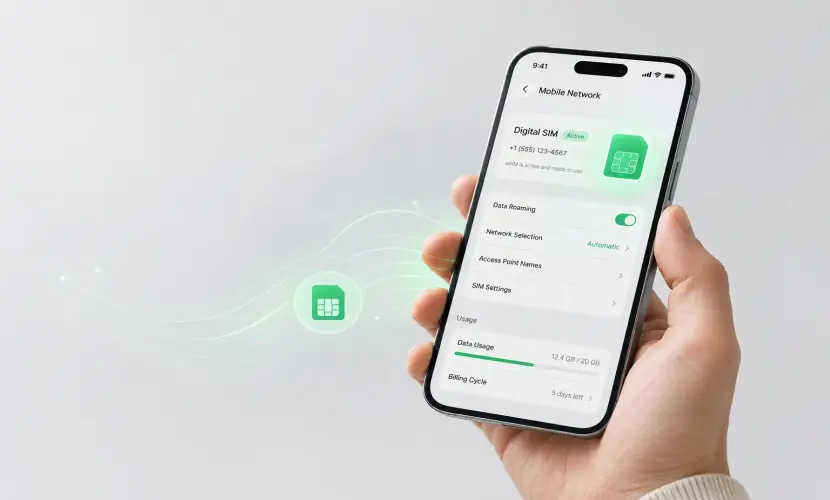
An eSIM is a digital SIM already built into your phone. You buy a data plan online before you travel, scan a QR code, and you're connected the instant you land — no store, no SIM swap, no roaming bill. Your home number stays active for calls and texts while the eSIM handles data. New to the idea? Start with our guide on what an eSIM is.
Why a Travel eSIM Beats the Rest
- Cheapest for most trips — plans start from just a few dollars, far below roaming.
- Instant & remote — set it up at home over Wi-Fi, switch it on when you land.
- Keep your number — no foreign SIM, no broken two-factor codes.
- One plan, many countries — regional and global plans cover whole trips.
- Nothing extra to carry — no device to charge, lose, or return.
Curious how it compares directly to a plastic SIM? Read eSIM vs physical SIM.
How to Choose the Right eSIM Plan
Match the plan to your route:
- One country? Pick a single-country plan like Japan, the United States, the United Kingdom, or the UAE.
- One region? Try the Europe 40-areas eSIM, Asia 20-areas eSIM, or USA & Canada eSIM.
- Multiple continents? A Global 130-areas eSIM keeps one plan running everywhere — see all global plans.
Set Up Your eSIM in 5 Minutes
- Choose your destination and buy a plan on the Instant eSIM destination page.
- Receive your QR code instantly by email after checkout.
- Scan it in your phone settings (Mobile Data → Add eSIM) — full steps in our setup guide.
- Switch your data line to the eSIM when you land, and you're online.
Hit a snag? Our activation troubleshooting guide walks you through the fixes.
Frequently Asked Questions
What is the cheapest way to get internet abroad?
For most travelers, a travel eSIM is the cheapest option — plans start from just a few dollars and avoid the daily roaming fees that quickly add up to far more.
Can I get internet before I leave home?
Yes. With an eSIM you buy and install the plan over Wi-Fi before your trip, then simply switch it on when you arrive — no store visit needed.
Do I lose my phone number when I use an eSIM?
No. Your home SIM stays active for calls and texts on your usual number, while the eSIM handles data abroad. They run side by side.
Is public Wi-Fi enough on its own?
Rarely. It's slow, unreliable, and unsafe for sensitive logins, and it disappears the moment you leave the building. Use it as a backup, not your main connection.
Stay Connected From the Moment You Land
Skip the roaming bills, the SIM-shop queues, and the dead zones between Wi-Fi spots. With Instant eSIM you choose your destination, buy in minutes, and connect instantly in 150+ countries worldwide — so the internet is the last thing you worry about on your trip.
Travel light. Stay connected. Powered by Instant eSIM.