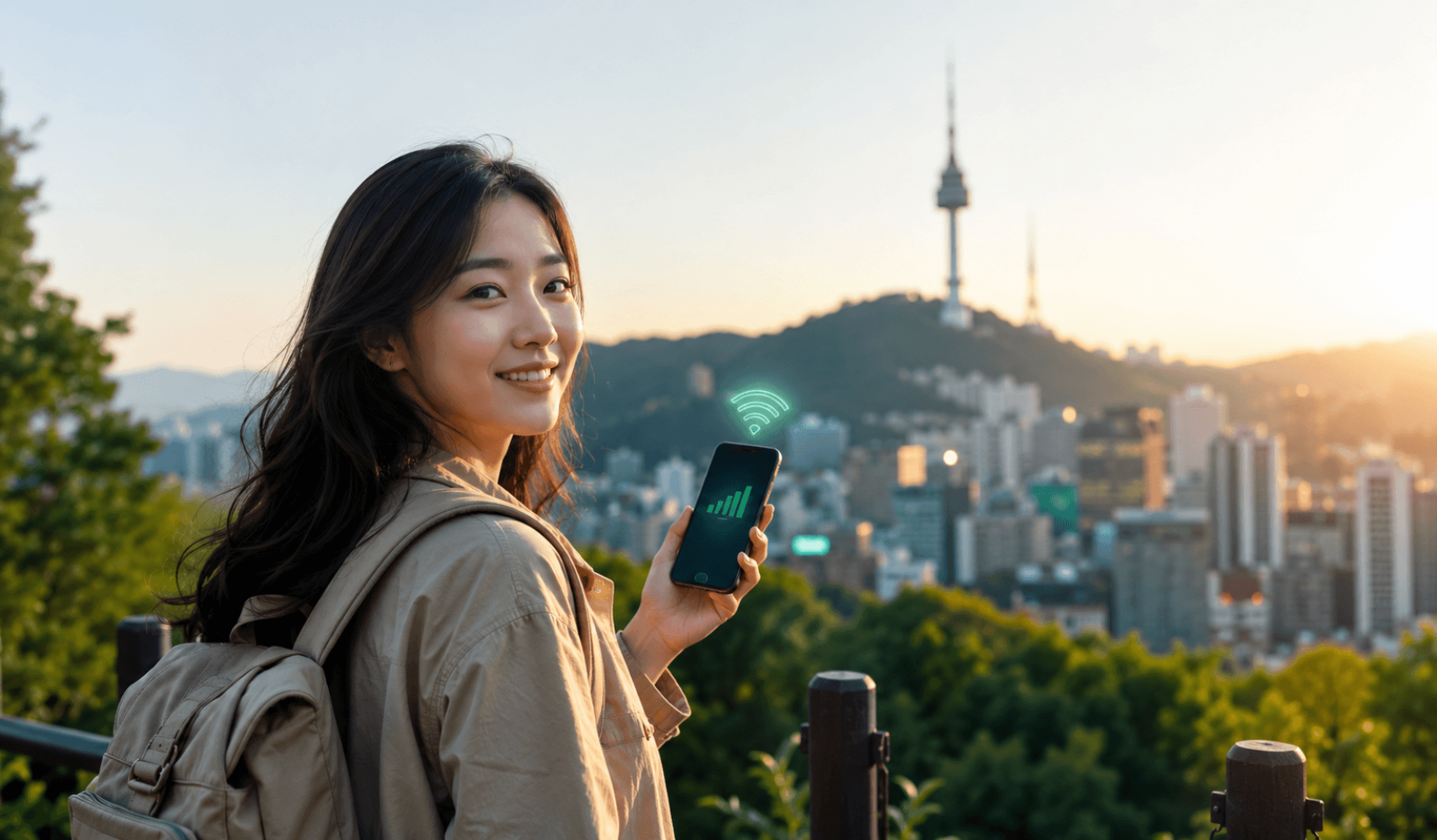
Best eSIM for South Korea in 2026: Plans, Prices & Setup Guide
Planning a trip to Seoul, Busan or Jeju? Before you fly, the smartest thing you can do is sort out your mobile data. A South Korea eSIM lets you skip expensive roaming bills, avoid the airport SIM-card queue, and get online the second your plane touches down. In this guide we cover the best eSIM for South Korea in 2026 — how it works, what it costs, which phones support it, and how to set it up in under five minutes.
In a hurry? An eSIM from Instant eSIM South Korea activates instantly, runs on Korea's major 4G/5G networks, and installs with a single QR-code scan — no physical SIM, no contract.
Why use an eSIM in South Korea?
South Korea is one of the most connected countries on earth, with some of the fastest 5G in the world. An eSIM lets you tap into that network instantly, without hunting for a local SIM shop or paying your home carrier's roaming rates. Here's why travellers are switching:
- Instant activation — buy online, scan a QR code, and you're connected before you leave the airport.
- No roaming shock — pay one fixed price instead of per-MB roaming fees that can run into the hundreds.
- Keep your home number — your physical SIM stays in for calls and texts while the eSIM handles data.
- Nothing to lose or swap — the eSIM is built into your phone, so there's no tiny plastic card to misplace.
- Fast, secure internet — safer than relying on public café and subway Wi-Fi for maps, banking and bookings.
Best eSIM for South Korea in 2026
For most international travellers, Instant eSIM is the easiest way to stay online in South Korea. You buy the plan on our website, receive a QR code by email within minutes, and scan it to install — no shop visit, no paperwork, and no waiting for delivery. Your eSIM connects automatically to South Korea's leading mobile networks as soon as you arrive.
Plans are sized for every kind of trip, from a quick weekend in Seoul to a month-long stay:
| Plan type | Data | Validity | Best for |
|---|---|---|---|
| Short trip | 1–3 GB | 5–7 days | City breaks, light maps & messaging |
| Standard trip | 5–10 GB | 10–15 days | Most tourists, daily social & navigation |
| Long stay / heavy use | 20 GB+ or Unlimited | 30 days | Digital nomads, hotspot & streaming |
Data sizes are typical examples. Check current plans and live pricing on the South Korea eSIM page.
South Korea eSIM coverage and networks
South Korea's mobile infrastructure is run by three major carriers — SK Telecom, KT and LG U+ — and your eSIM connects to their high-speed 4G LTE and 5G networks. Coverage is excellent across cities like Seoul, Busan, Incheon, Daegu and Daejeon, on the KTX high-speed trains, and in popular tourist areas including Jeju Island. You'll stay connected in subways, cafés, malls and most rural regions too.
Which phones support eSIM?
You'll need an eSIM-compatible and carrier-unlocked phone. As a quick guide, eSIM is supported on most iPhones from the iPhone XS/XR (2018) onward, Samsung Galaxy S20 and newer (plus recent Note, Z Fold and Z Flip models), and Google Pixel 4 and newer, along with many other recent Android flagships. If you bought your iPhone in the United States from the iPhone 14 onward, it's eSIM-only — perfect for travel. Not sure about your device? See our full list of eSIM-compatible phones.
How to set up your South Korea eSIM (step by step)
Setting up takes just a few minutes. We recommend installing it before you fly, while you have stable Wi-Fi:
- Buy your plan on the Instant eSIM South Korea page and check your phone is eSIM-ready and unlocked.
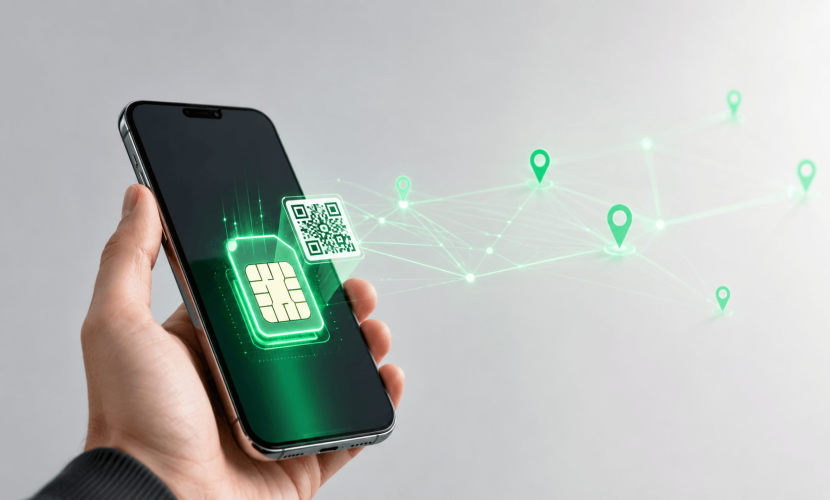
- Get your QR code — it arrives by email within minutes of purchase.
- Install the eSIM — on iPhone go to Settings → Mobile/Cellular → Add eSIM → Use QR Code; on Android go to Settings → Connections → SIM manager → Add eSIM, then scan the code.
- Label and choose your data line — name it "Korea" and set it as your mobile data plan, keeping your home SIM for calls and texts if you wish.
- Turn on data roaming for the eSIM line — this is required for it to connect, and you'll be online automatically when you land.
Need more detail? Our step-by-step eSIM setup guide walks through every screen.
eSIM vs pocket Wi-Fi vs local SIM in Korea
You have three main ways to get online in South Korea. Here's how they compare:
- eSIM — instant, nothing to carry, keep your number, set up before you arrive. Best for almost every traveller.
- Pocket Wi-Fi — works for groups sharing one device, but it's an extra gadget to charge, collect and return, and it can't leave your side.
- Local SIM card — cheap data, but you queue at the airport with your passport, swap out your home SIM, and lose your number while it's in.
For a simple breakdown of the savings, read eSIM vs international roaming.
How much data do you need for a trip to Korea?
It depends on how you travel, but as a rough guide: light users (maps, messaging, a little social media) get by on around 500 MB–1 GB per day, while heavy users who stream video, video-call and use hotspot will want more. For a typical one-week trip, 5–10 GB is comfortable for most people; digital nomads and content creators should look at 20 GB or an unlimited plan. Still unsure? Use our data calculator guide.
Tips for staying connected in South Korea
- Download local map apps — Google Maps has limited directions in South Korea, so install Naver Map or KakaoMap for accurate walking, transit and driving routes.
- Get KakaoTalk — it's the messaging app almost everyone in Korea uses, handy for tours, guesthouses and restaurants.
- Use internet calling — your data eSIM is data-only, so make calls over WhatsApp, KakaoTalk or FaceTime.
- Set up before you fly — install the eSIM at home so you're connected the moment you land at Incheon or Gimhae.
- Pair it with a T-money card — load one at any convenience store to tap through Seoul's subway and buses.
Frequently asked questions
Does an eSIM work in South Korea?
Yes. Travel eSIMs connect to South Korea's major carriers (SK Telecom, KT and LG U+), giving you reliable 4G/5G data across the country.
Will my phone work with a Korean eSIM?
It will, as long as your phone is eSIM-compatible and carrier-unlocked. Most phones released since 2018 support eSIM — check our compatibility list if you're unsure.
Can I keep my own phone number?
Yes. The eSIM handles your data while your usual SIM stays active for calls and texts, so you keep your number and avoid missing messages.
When should I install my South Korea eSIM?
Install it before you fly while you have Wi-Fi. It won't start using data until it connects to a network in Korea (or until your plan's start date), so there's no risk in setting it up early.
Is Google Maps reliable in South Korea?
Google Maps offers limited directions in Korea due to local mapping rules. Download Naver Map or KakaoMap instead for the best walking and transit routes.
Ready to explore Korea connected?
Don't waste your first hours in Korea searching for Wi-Fi or a SIM shop. Set up your eSIM before you go and step off the plane already online — ready to navigate, share and explore from minute one.
Related guides
- What is an eSIM and how does it work?
- Best eSIM for international travel in 2026
- How to avoid roaming charges abroad
- Travelling to more countries? See our global eSIM plans