What Is an eSIM and How Does It Work? (2026 Guide)
Heard the term but not sure what it actually means? You’re not alone — “what is an eSIM” is one of the most-searched tech questions of 2026. An eSIM (short for embedded SIM) is a digital SIM card built right into your phone, so you can activate a mobile or travel data plan without ever inserting a plastic chip. In this guide we’ll explain exactly what an eSIM is, how it works, how it compares to a regular SIM, which phones support it, and how to set one up in minutes.
In this guide:
- What is an eSIM?
- How does an eSIM work?
- eSIM vs physical SIM
- Benefits of using an eSIM
- Are there any downsides?
- Which devices support eSIM?
- How to get and set up an eSIM
- eSIM for travel: stay connected abroad
- Frequently asked questions
What is an eSIM?
An eSIM is a small, rewritable chip built directly into your smartphone, tablet, or smartwatch that does the same job as a traditional SIM card — it connects you to a mobile network. The difference is that there’s nothing to insert or remove. Instead of swapping a plastic card, you simply download a mobile plan onto the chip. Because it’s reprogrammable, you can store several plans on one device and switch between them whenever you like, which is exactly why eSIMs have become the go-to choice for travelers.
How does an eSIM work?
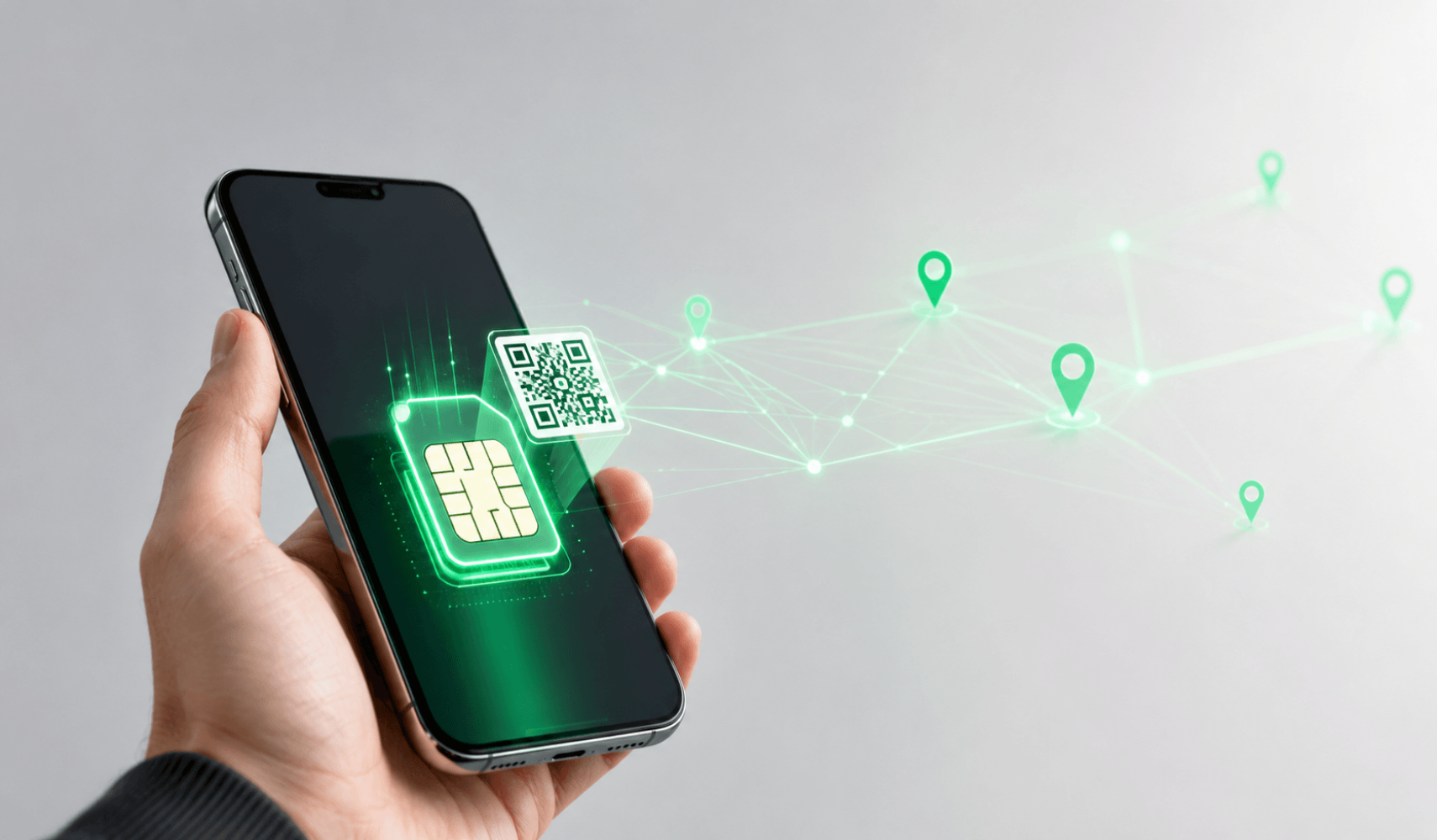
Every SIM stores a profile — the credentials that let your phone register on a carrier’s network. A physical SIM keeps that profile on a removable card; an eSIM stores it on the chip soldered inside your device. To get online, you download an eSIM profile, usually by scanning a QR code or tapping an activation link, and your phone connects to the network within minutes.
Because the chip can be rewritten, you can save multiple profiles and choose which one to use in your phone’s settings — for example, keeping your home number active for calls while using a travel data plan. This is also what allows dual SIM functionality on phones that only have a single SIM tray.
In short: a physical SIM is hardware you swap; an eSIM is software you download. Same result, far less hassle.
eSIM vs physical SIM
Here’s how the two compare at a glance:
| Feature | eSIM | Physical SIM |
|---|---|---|
| Format | Built-in digital chip | Removable plastic card |
| Activation | Scan a QR code – minutes | Insert card – may need a store |
| Multiple plans | Store many, switch instantly | One per card |
| Risk of loss | None – can’t be removed | Easy to lose or damage |
| Best for | Travel & dual SIM | Older devices |
Want a deeper comparison? Read eSIM vs physical SIM: which is better?
Benefits of using an eSIM
- Instant setup — activate a plan online in minutes; no store visit or shipping wait.
- Dual SIM — run two numbers or plans on one phone at the same time.
- Ideal for travel — download a local or global data plan before you fly.
- Nothing to lose — no tiny chip to misplace, damage, or get stolen.
- Easy switching — change carriers or plans without swapping any hardware.
- More secure — an eSIM can’t be physically pulled from a lost or stolen phone.
Are there any downsides?
eSIMs suit almost everyone, but it’s worth knowing the trade-offs:
- Device support — only newer phones have eSIM hardware (see the list below).
- Switching phones — moving an eSIM to a new device may require re-issuing the profile, whereas a physical SIM simply pops out.
- Managing profiles — juggling several plans can feel slightly confusing at first, though most phones make it simple.
For the vast majority of travelers, these are minor compared with the convenience.
Which devices support eSIM?
Most flagship phones from 2018 onward support eSIM, including:
- iPhone XS, XR, and all newer models
- Google Pixel 3 and later
- Samsung Galaxy S20 and later, plus recent Z Fold and Z Flip models
- Many newer iPad, Apple Watch, and Android devices
Quick check: open your dialer and type *#06#. If you see an EID number, your device is eSIM-ready.
See the complete list in our guide on which devices support eSIM.
How to get and set up an eSIM
Getting started takes just a few minutes:
- Check your phone. Confirm it supports eSIM and is carrier-unlocked.
- Choose a plan. Pick your destination and data plan on instant-esim.com.
- Get your QR code. It arrives by email instantly after checkout.
- Install it. Go to Settings → Mobile / Cellular → Add eSIM and scan the code.
- Turn on your data. Set the eSIM as your data line and switch on Data Roaming for that line when abroad.
- You’re connected. No store, no swap, no waiting.
For a full walkthrough, see how to set up an eSIM for international travel.
eSIM for travel: stay connected abroad
Where eSIMs really shine is international travel. Instead of paying sky-high roaming rates or queuing for a local SIM, you can buy an Instant eSIM plan before you leave and connect the moment you land — in 120+ countries. Pick a single-country plan for a focused trip, a regional plan for multi-country tours, or a global plan if you travel often.
Popular choices include the USA eSIM, the Europe eSIM covering 30+ countries, the Japan eSIM, and a global eSIM for worldwide coverage. Learn more in our guide to the best eSIM for international travel, or see how to avoid roaming charges abroad.
Frequently asked questions
What does eSIM stand for?
eSIM stands for embedded SIM — a SIM that’s built into your device rather than inserted as a card.
Is an eSIM safe?
Yes. eSIM profiles are encrypted, and because the chip can’t be removed, no one can pull your eSIM from a lost or stolen phone.
Can I have two SIMs on one phone?
Usually yes — most eSIM phones let you run your physical SIM and an eSIM together, and some support multiple eSIM profiles at once.
Can I switch back to a physical SIM?
Of course. Your physical SIM keeps working, and you can turn the eSIM on or off whenever you like.
Do I need internet to install an eSIM?
Yes — you need Wi-Fi or data to download the profile, so it’s best to install your eSIM before you travel. Once installed, it works without Wi-Fi.
The bottom line
An eSIM is simply a digital version of the SIM card you already know — faster to activate, impossible to lose, and ideal for staying connected on the move. If your phone supports it, switching to an eSIM is one of the easiest upgrades you can make, especially for travel. Ready to try it?